Printable address labels
Address labels matched to real Avery die-cut stock — 5160, 5161, 5162, 5163, 5164 and the A4 L7160, L7163 and L7651 — with a nudge control for when your printer disagrees about where the page starts.
Open the maker Free · no sign-up · nothing uploaded
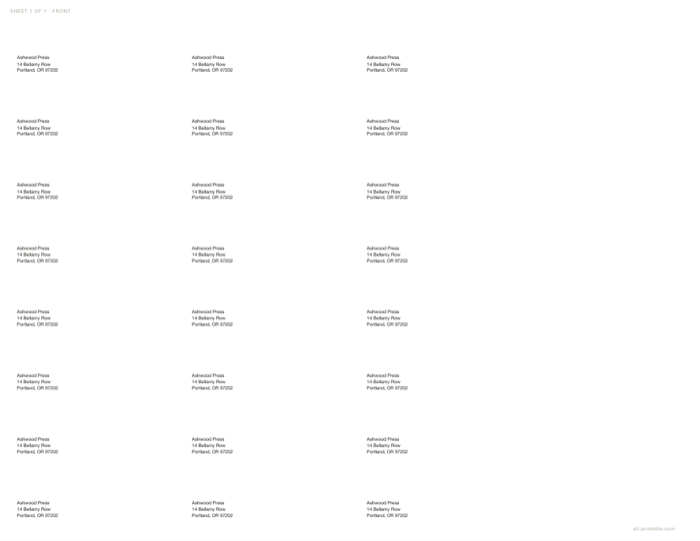
What you can change
- Exact die-cut geometry: pick the stock and size, count and offsets are fixed
- A nudge in 0.25 mm steps that shifts the whole block
- One address repeated across the sheet, or a different one on every label
- Multi-line addresses from a single input line
At a glance
| Avery stocks | 9 |
|---|---|
| Nudge | 0.25 mm |
| Repeat | Yes |
Printing it correctly
Choose Print, then pick Save as PDF as the destination if you want a file. Set scale to 100% and margins to None — the sheet already carries its exact paper size, so the browser must not rescale it. Anything else and the dimensions you chose are no longer the dimensions on the page.
Questions
My labels print slightly off. What do I do?
Print one sheet on plain paper, hold it against the label sheet, measure the drift and nudge the block by that much. Printers disagree about the page origin more than templates do.
Which Avery number is 30 labels per sheet?
5160, also sold as 8160 and 5960. It is in the list.